
Running Ubuntu Containers with Hyper-V Isolation on Windows

Dustin Kirkland
on 13 September 2017
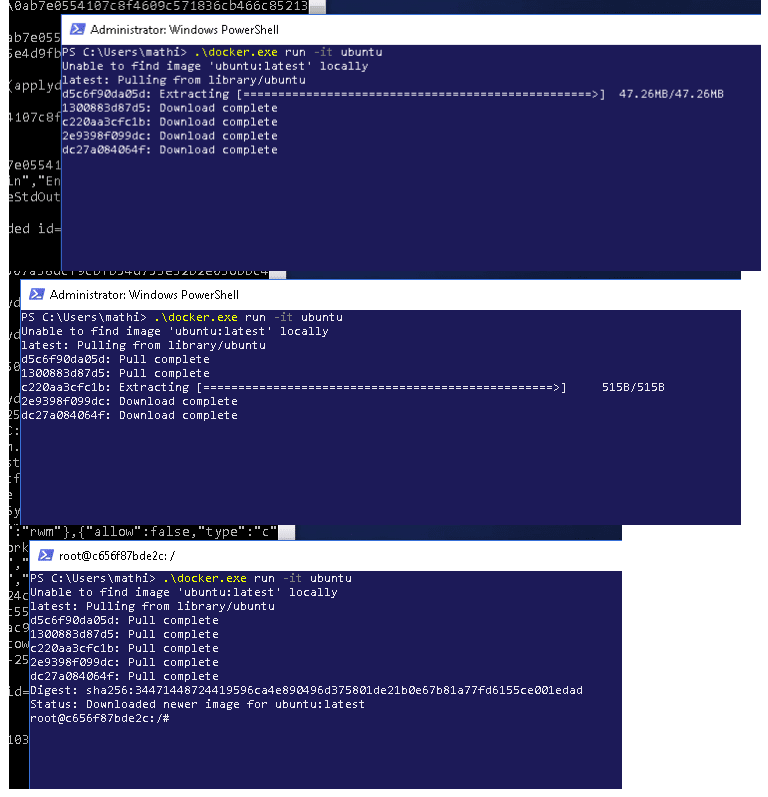
Canonical and Microsoft have teamed up to deliver an truly special experience — running Ubuntu containers with Hyper-V Isolation on Windows 10 and Windows Servers!
We have published a fantastic tutorial at https://ubu.one/UhyperV, with screenshots and easy-to-follow instructions. You should be up and running in minutes!
Follow that tutorial, and you’ll be able to launch Ubuntu containers with Hyper-V isolation by running the following directly from a Windows Powershell:
-
docker run -it ubuntu bash
Cheers!
Dustin
Talk to us today
Interested in running Ubuntu in your organisation?
Newsletter signup
Related posts
Beyond tokens per watt – using Ubuntu 26.04 LTS for AI
Tokens per watt (TpW) – the measure of useful AI work produced per watt of energy consumed – is the metric at top of mind for CEOs, heads of AI, and...
A look into Ubuntu Core 26: Deploying AI models on Renesas RZ/V series for production
Welcome to this blog series which explores innovative uses of Ubuntu Core. Throughout this series, Canonical’s Engineers will show what you can build with our...
RISC-V profiles – why is RVA23 significant?
Introduction One of the important offerings of the RISC-V Instruction Set Architecture (ISA) is the ability to customize and extend the base instruction set....